Create the event
Set the title, date, and look. Give it a cover that matches the moment.
A shared home for every moment that matters.

Live crowd event
The problem
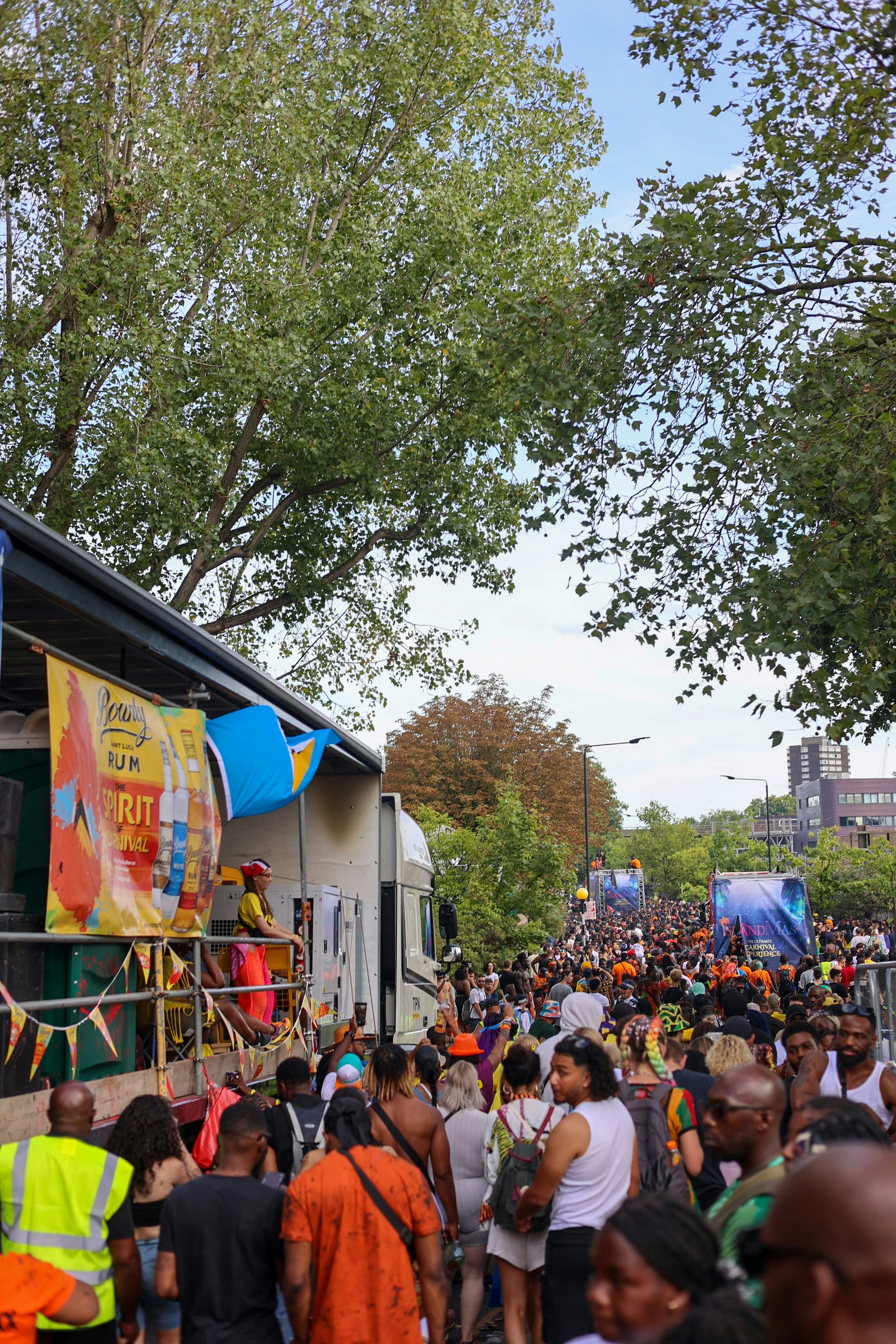
The toast, the entrance, the dance floor, the quiet moment by the door. Someone caught every bit of it. Just not you, and not in one place. It's scattered across a dozen phones, a WhatsApp group that goes quiet after a week, and an AirDrop request nobody answers.
Every event comes with a photo booth, its own website, a live wall and frames in your colours.
Leave a tablet running at the party. Guests take a shot, pick a frame, then scan the code on screen to keep it. It is on the wall before they walk away.
Every photo, video and note from every guest, landing on one screen while the party is still going.
Your event's name, date and colours printed onto every booth shot as it is taken.
One page with the cover, the date and a QR to join. Send that link and guests are in, with no account and nothing to install.
Download the whole gallery when it is over. Every guest, every angle.
How Chakap works
Not just a place to upload. A space the event calls home, before, during, and long after.
Set the title, date, and look. Give it a cover that matches the moment.
Guests scan and join instantly. No account required to contribute.
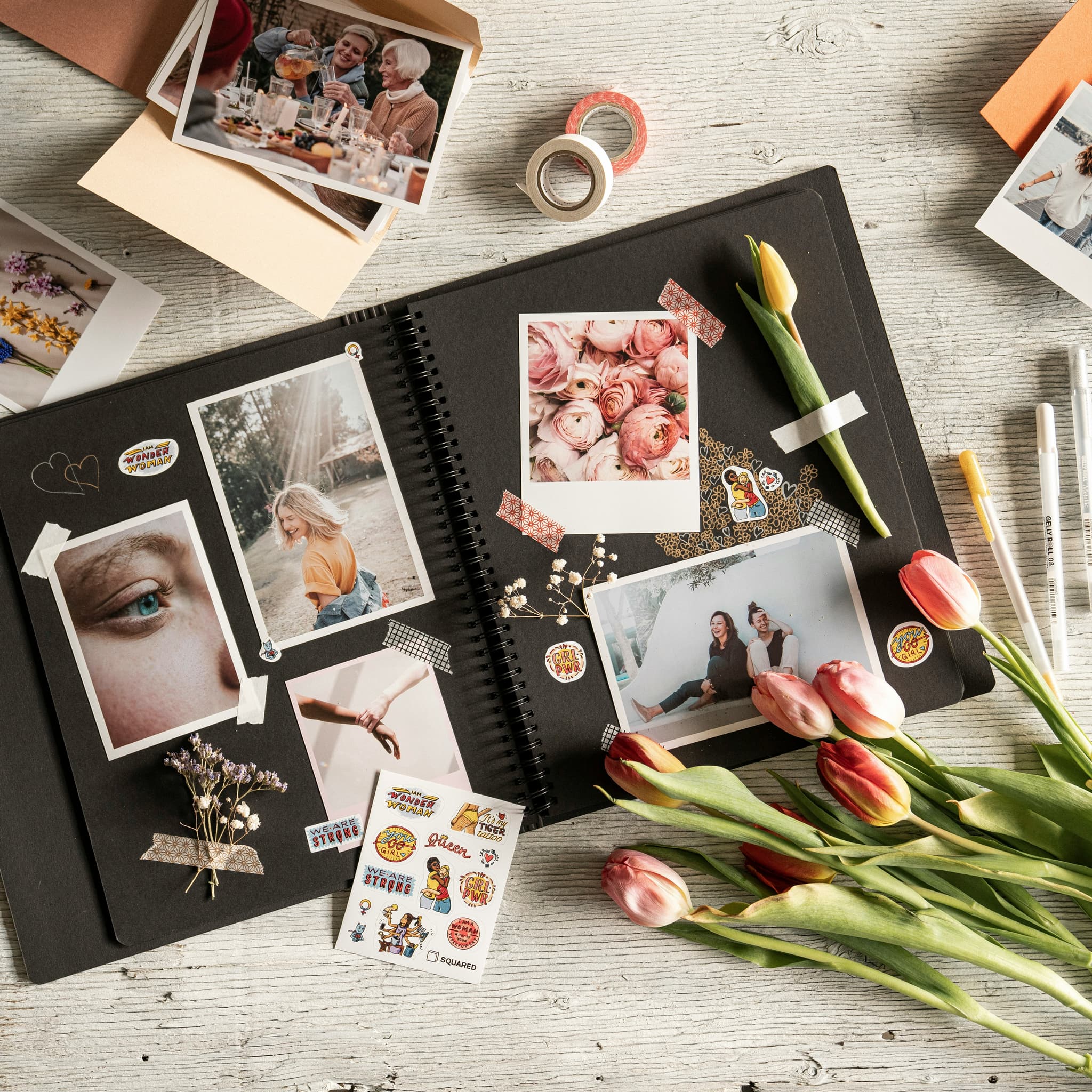
Photos, videos, and wishes arrive in one shared gallery in real time.
Weddings, graduations, celebrations, family parties. Be among the first to give your event one place to live on.







Grab, toss, and rearrange the memories.
Other apps store your photos. Chakap stores the event. That is the difference.
“After the wedding we had photos in WhatsApp, AirDrop, and three different family groups. Chakap was the first time it actually stayed together.”
Mireille N.
Wedding host
Packages
Choose the setup that fits the size, pace, and style of your event.
FAQ
The basics hosts and guests usually want to know before they bring everyone into one shared event gallery.
Guests can join through a link or QR code without signing up. The host creates the event inside the app, and guests contribute directly through the shared event page.
Chakap works for any event where multiple people are capturing the same moment: weddings, graduations, birthdays, conferences, launch parties, church events, and family celebrations.
Yes. Chakap collects both photos and videos from guests, keeping everything inside the same shared event gallery.
Yes. Guests can leave personal notes and wishes alongside their media. These stay connected to the event in the shared gallery.
The host shares a link or QR code. Guests tap or scan to enter and can start contributing immediately. Private events can also require an access code.
Be among the first to give your event one place to live on.
Waitlist
Get in before the doors open. Early sign-ups get first access and a say in what ships in version one.